Online ordering
Accept online orders or service requests. Manage what comes in from the same workspace as your menu.
Customer chooses→Order received
Explore ordering →Create a free digital menu or service page. Share tracked shortlinks and QR codes, then add bookings, orders and customer tools when you need them.
No card needed. Optional add-ons are priced separately.
 Served HQ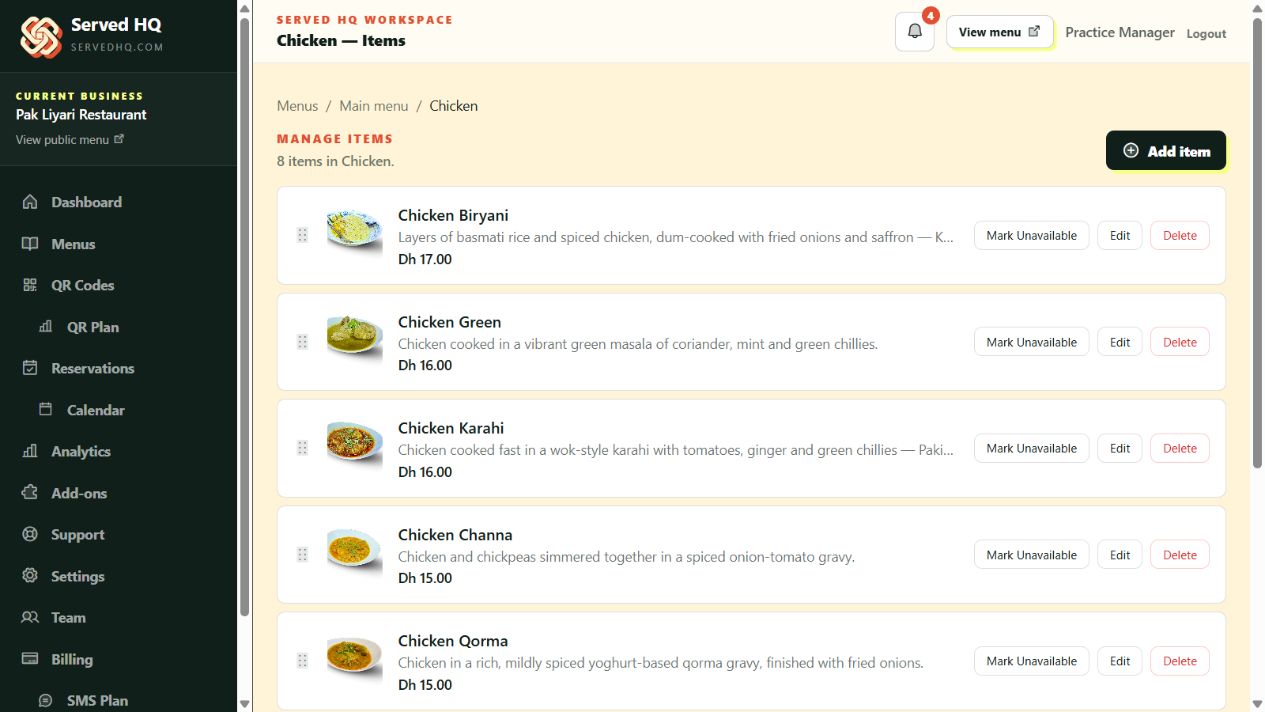
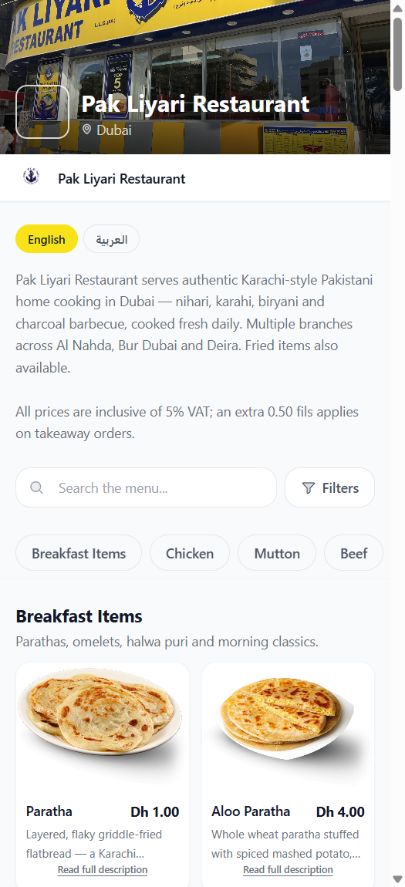
A public page is the starting point. Your workspace connects the next steps.
Organise dishes or services into categories, add photos and descriptions, and keep prices up to date. Present regional menus when your offerings vary by area.
Every tracked placement gives you a shortlink and a matching QR code. Use the link on Google, social profiles or your website; use the QR code on print, packaging or at reception.
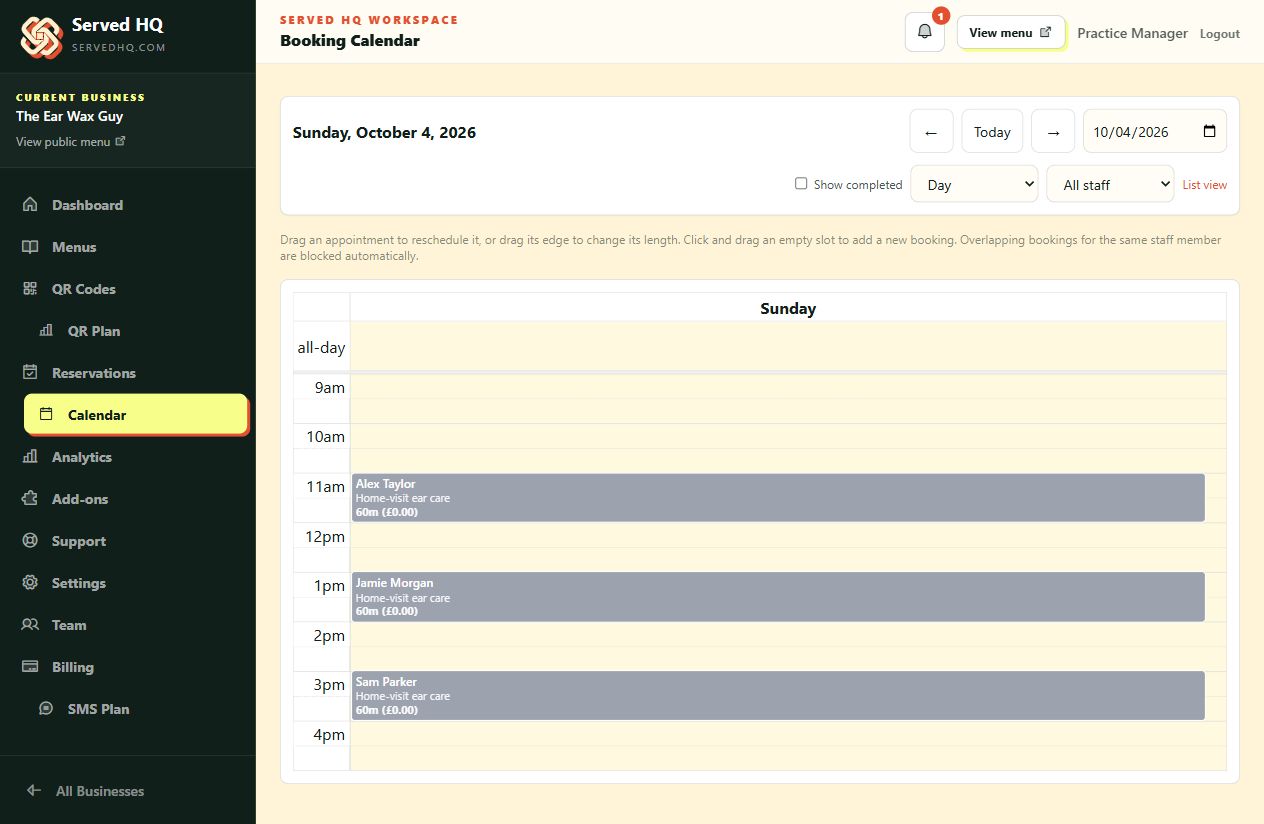
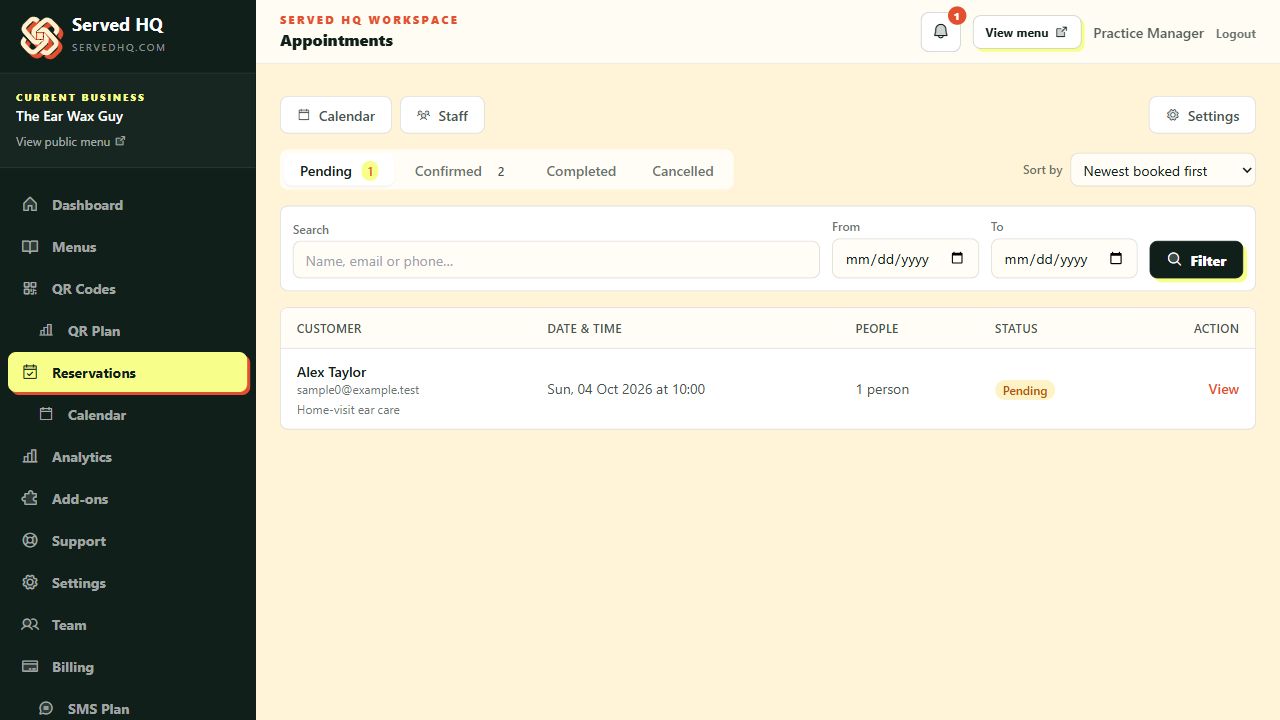
Let customers choose appointments, home visits or tables. Use service durations, opening hours and the booking calendar to manage your diary, with new reservations pending for review.
Ready for the team's final diary check.
Example details. This walkthrough creates no reservation.Explore the tools you can add to your page and workspace.
Accept online orders or service requests. Manage what comes in from the same workspace as your menu.
Give repeat customers points and rewards, with loyalty accounts that keep their progress together.
Bring customer profiles, order and booking history, notes and tags together. Use segments and CSV exports for your next step.
Run promotions and discount codes, with campaign tracking to see where customers come from.
Publish customer pages on your own branded domain, like Pak Liyari's restaurant menu.
Use API tokens and webhooks to connect your existing systems, automation tools or booking agent.
See how your page could work for your business.
Share dishes, drinks and prices for your restaurant, café or takeaway.
Explore food businesses →Show your cuts, colours and beauty treatments, with clear service prices.
Explore salons & beauty →Help customers understand your treatments and consultation options.
Explore clinics & wellness →Give customers one place to browse your services and what they cost.
Explore local services →Start with a page for your menu or services, plus QR codes. Choose paid extras only when you need them.
£0 / month
Verify your email, then add your business name and details.
Add your dishes or services, organise them into categories and set your prices. Include photos and descriptions to help customers choose.
Publish your page, share tracked shortlinks online and put the matching QR codes where customers can scan them.
Your free page is the starting point. Ordering, bookings and other add-ons are priced separately.
Capture booking intent while it is fresh, with fewer calls, missed messages and manual follow-ups.
Convert browsing into paid orders without sending customers through a marketplace first.
Use a branded web address so customers trust the page before they even click.
Reward repeat customers in a way that feels visible, simple and worth returning for.
Create offers with structure, urgency and tracking so promotions support growth instead of eroding trust.
One place to see who your customers are, what they spend, and who is worth following up with.
API tokens and webhooks for connecting Served HQ to your accounting, POS or automation stack.
Give them a link worth sharing. Create your free page today.